NFT Verification in Discord: Set Up Holder Roles
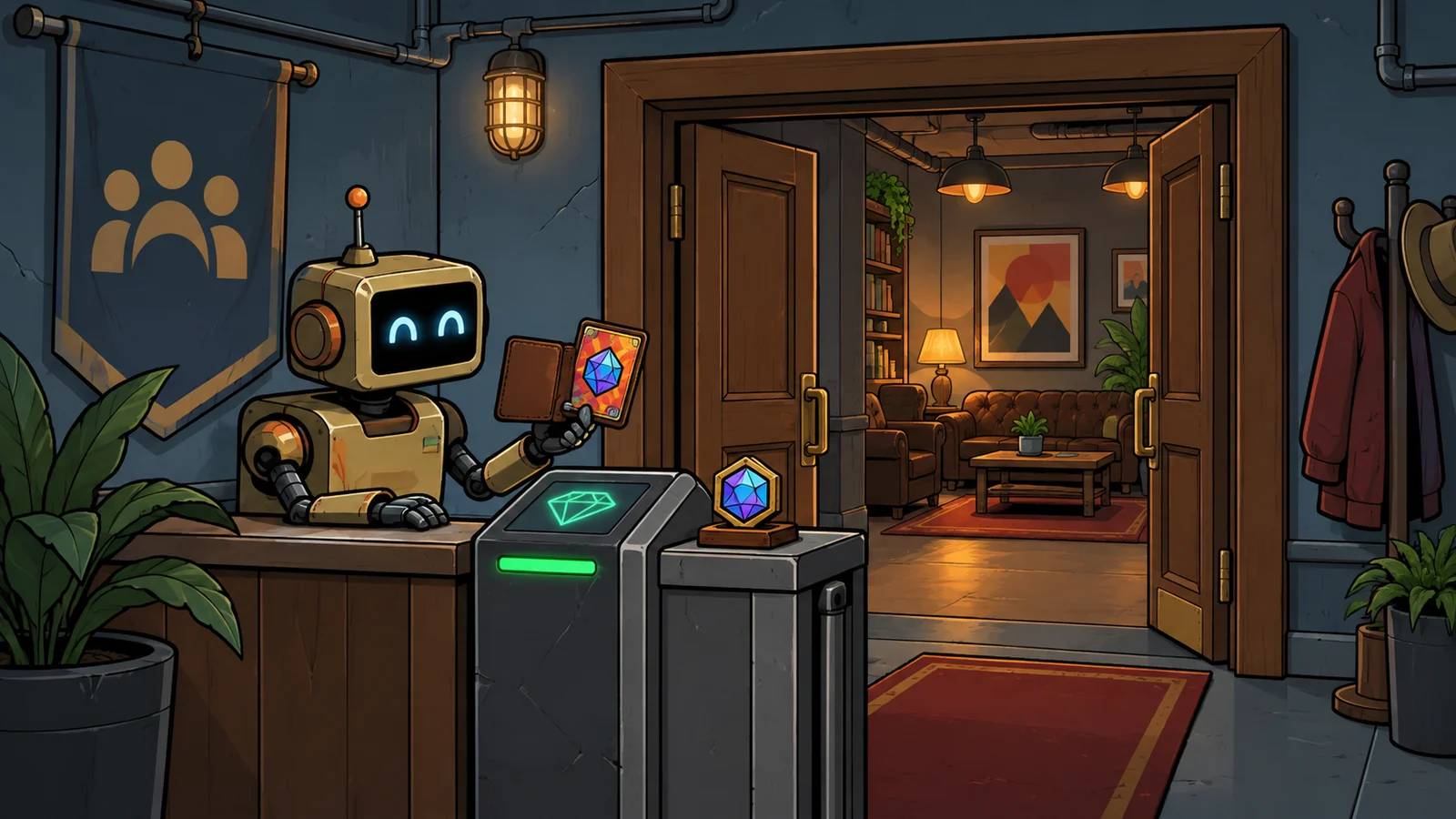
NFT verification connects a member's wallet to a collection rule, then gives qualifying members a Discord role. Channel permissions decide what that role can access. Both parts need configuring: a successful wallet check alone does not create a private holders' channel.
This guide uses Collab.Land for one concrete example: at least one NFT from an Ethereum Mainnet ERC721 collection grants a Holder role. It is an access check, not proof of a person's identity or a project's trustworthiness. Documentation was checked on October 5, 2026 UTC; we did not install the bot, connect a wallet or perform a live verification.
Set up holder access as an organizer
You need to be the server owner or have Manage Server to add a server app. You also need permission to create and arrange roles and edit the destination channel's permissions. Being allowed to install an app does not automatically give you all those configuration rights; involve an administrator if a required control is unavailable.
Prepare the collection's network, NFT standard and contract address. Start from the collection's official website or documentation and cross-check the contract on that network's explorer. A member's wallet address, collection name or ticker is not the contract. Collab.Land's compatibility matrix explicitly supports Ethereum Mainnet with ERC721 and MetaMask with Mainnet, which is the combination used here. Staked NFTs and other networks can need different rules.
Check the holder limit and removal timing
The current pricing table lists free Starter for up to 25 verified members and Basic at $17.99 per month for up to 100. These are members holding token-granted roles, not everyone in the server.
Starter's refresh timing is unresolved: pricing says every 24 hours, while the balance-check guide says every seven days. Confirm it with Collab.Land before relying on a particular removal window. Do not promise members that selling an NFT instantly removes channel access.
1. Create the role and add Collab.Land
- Open Server Settings → Roles → Create Role. Name it Holder, give it ordinary member privileges and save. Collab.Land documents this role preparation.
- Use the add-bot link in Collab.Land's official installation guide. Choose your server and review the authorization screen.
- In the server's role list, move the Collab.Land role above Holder. It can remain below your administrative roles: it needs to outrank the roles it assigns, as the vendor's hierarchy guide explains.
The installation documentation lists View Channels, Manage Channels, Manage Roles, Ban Members and Send Messages as required bot permissions. That is broader than assigning a holder role. This list is the vendor's documentation, not a live inspection of its current authorization request. Our bot-permission guide explains how to review the request in context.
Collab.Land creates collabland-config and collabland-join. Keep the configuration channel intact; the channel guide warns against renaming or deleting it. Leave the join channel and its verification prompt reachable by members who do not yet have Holder.
Restrict the configuration channel to trusted administrators. The Command Center documentation says anyone who can view that channel can manage the community's Collab.Land settings. Giving Holder access would let the people being checked change the rules.
2. Define the collection rule
In Command Center, sign in with Discord, select your server, open TGRs and choose + Select Role → Holder. TGR means Token Gating Rule: it connects qualifying holdings to the Discord role.
For this balance-based ERC721 example, use:
- Chain Type: Ethereum Mainnet.
- Token Type: ERC721.
- Address: your collection's contract on that network.
- Balance minimum: 1.
- Token ID and maximum balance: leave unset. Do not add an Attributes filter.
Choose Save. The intended rule accepts any NFT in that collection; it does not require a particular token or trait. For ERC1155, the general rule guide requires Token ID, so do not reuse these blank-field choices unchanged.
3. Give Holder access to the channel
Create an ordinary text channel such as holders. Right-click it, open Edit Channel → Permissions, enable Private Channel, then use Add members or roles to allow Holder. Discord's role-permission guide describes this setup: private channels remove View Channel from @everyone, with access granted to selected roles or members.
Review the entire allowed list, including other roles and individual members. Decide whether holders should only read or also post: View Channel, Read Message History and Send Messages are separate permissions. Avoid testing exclusion with an administrator account, because Administrator bypasses channel restrictions.
Verify as a community member
Start from the community's known verification channel. Read the destination and wallet request before accepting anything. Collab.Land describes its token-holding check as read-only and says support never needs your recovery phrase or private key. A request to transfer assets, approve token spending or reveal a secret is outside the wallet-ownership proof described here. Stop if the request is unexpected; ask through the community's established support route.
Official connection instructions identify connect.collab.land. Follow the entry documented by the vendor for the screen you see; a familiar logo or unsolicited “support” message is not a substitute for checking the destination.
- In the community's join channel, press Let's go!.
- If you see the connection page: choose + Verify with a New Wallet, select MetaMask, then review the Sign Message request. Complete the connection before returning to Discord. These are the steps in the MetaMask guide.
- If you see Member Portal's Verify Access window: choose one existing wallet and Verify with selected wallet, or choose Add a new wallet and finish verification through the banner afterward. The portal guide offers single-wallet verification to all members; checking all connected wallets together is a separate Pro feature.
- Return to Discord and check two results: you have Holder, and the intended channel appears. Report which result is missing if you need help.
These are alternative documented screens, not a sequence requiring both. For a wallet already connected to your account, verification may not need another signature. Signing a message is still an action to inspect; the absence of a transaction fee does not establish that an arbitrary request is harmless.
Check access before inviting everyone
The following checks are suggested; we have not performed them in a live community. Use consenting ordinary members and suitable existing wallets, without buying or moving an NFT merely to run the tutorial.
- Qualified member: verification grants Holder, the channel appears, and the intended reading or posting permissions work.
- Unqualified member: verification does not grant Holder and the channel stays hidden. Check that this account has no manually assigned Holder, administrator privileges or another access grant.
- Eligibility lost: use an agreed change to a dedicated test rule to make a previously qualifying member ineligible. Observe both role removal and channel loss under the configured check schedule; do not treat saving the rule as proof of either result.
Keep background balance checks enabled. According to Collab.Land's refresh documentation, scheduled checks remove roles when eligibility is lost; they do not award newly earned roles. A newly qualifying member should verify again. If background checks are disabled, the vendor says removal waits until the member re-verifies. Faster event-listener updates are a separate plan feature, not an assumption for this setup.
In Member Portal, open Communities and use the community card's Verify button to recheck holdings. Keep a support channel accessible to members who have lost Holder.
Fix a missing role or channel
Choose the result you can observe. Server configuration changes belong to the administrator; members should not need broader Discord permissions to verify.
Verification finished, but Holder is missing
Compare the selected wallet with the rule: network, collection contract and minimum balance must match. A similarly named NFT on another chain does not satisfy this example. Verify again after becoming eligible.
Ask an administrator to check that Collab.Land remains above Holder and that the saved rule targets the intended role. If the requirements are unclear, ask for them rather than repeatedly signing new requests.
I have Holder, but cannot see or use the channel
If verification granted Holder, ask the administrator to inspect the channel permissions for that role and your other roles. Visibility, message history and sending are separate settings. Reconnecting the wallet does not repair a channel override.
The bot is paused or the rule refers to a deleted role
An administrator can open Command Center → Bot Config → Check configuration. The documented alternative is /help in the configuration channel, then Validate Bot Config. Use the reported permission or rule error to identify the cause.
Deleting a Discord role makes its associated TGR invalid. Open TGRs, modify the affected rule to select the intended replacement role, and save the change. Then check its hierarchy and channel access too.
The wallet is already linked to another Discord account
Collab.Land associates a wallet with one Discord identity. Read its duplicate-wallet recovery instructions before resetting the association: disconnecting can affect other verified communities too. Do not use an account-wide reset as the first fix for an ordinary missing-role problem.
Retire or change the gate deliberately
Decide who should retain access before removing the setup. Update holder grants and channel permissions to match that decision. Collab.Land says deleting a TGR removes the roles it assigned; still check for other access grants afterward.
If you no longer need the server app, Discord documents removing it by kicking its bot. Uninstalling alone does not establish that previous holder roles or channel permissions have been cleared. Finish by repeating the intended access check with an ordinary member.
Published